Maia: AI Data Automation

Your agentic data team.

Clear the data backlog with AI teammates that deliver production-ready pipelines. Your engineers review every plan and approve every change.
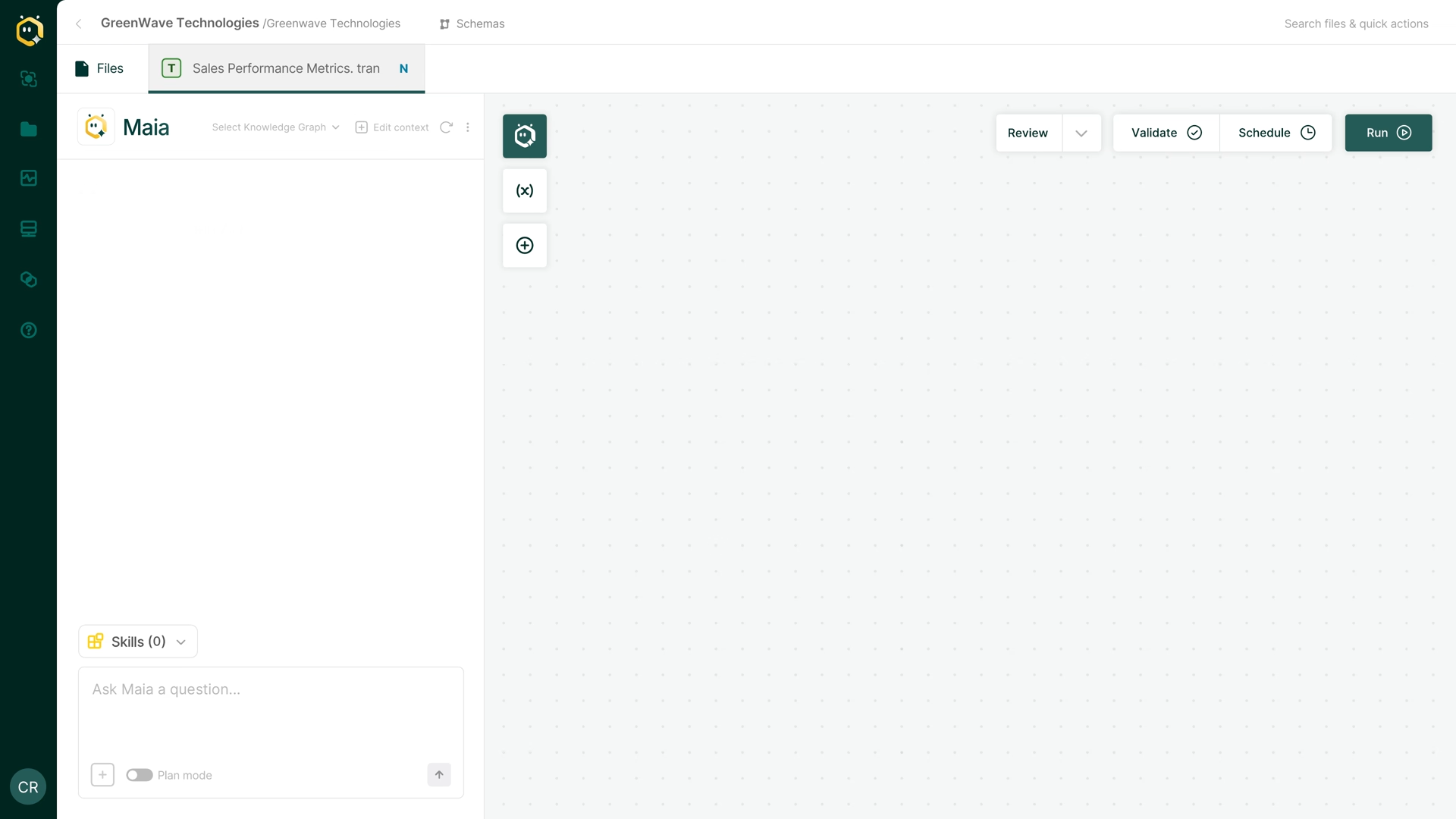
Maia building a CRM pipeline: the chat panel explains its plan while Load Opportunities and Load Accounts components join on the pipeline canvas
AI DATA Automation IN ACTION

One AI team. Every stage of delivery.

Maia is the AI Data Automation platform: teammates that plan, build, test, run and fix data products while humans provide approval where judgement matters.

01
Plan
From request to a plan you approve

Maia turns a business request into a reviewable, step-by-step plan. Nothing changes until a human approves.

JB
‹ PM Snowflake Demos / default ⑃ main ▾ ⌗ Schemas ⌕ Search files & quick actions
▤ Files ▾ O create-star-schema N
MaiaSelect Knowledge Layer ▾ ⊕ Edit context   ✎   ↺   ⋮
Maia
Your team of expert AI agents
◍
Help me build a pipeline
Create a new data pipeline from scratch
◍
Summarize my pipeline
Understand your existing pipeline
▦
Set up a skill for me
Adapt Maia's responses to your workflow
Update this pipeline to take into account slowly changing dimensions (type 2 and 3) on core customer attributes
› Thought
Switch to plan mode
✓Maia wants to switch to plan mode
Implementing SCD Type 2 and 3 on customer dimensions requires understanding the current pipeline structure, identifying customer-related components, and determining the best approach for slowly changing dimensions.
› Performed 3 actions
Now I have a clear picture. The pipeline creates a star schema with SQL executors, and DIM_CST_PROF (the customer dimension) needs SCD Type 2 and Type 3 support on core attributes. Let me propose a plan:
✓Maia has a plan for your review
Add SCD Type 2 & 3 to the customer dimension
  • 1Add 5 SCD columns to DIM_CST_PROF
  • 2Type 2 (full history): seg_cd, ltv_idx, sts_flg
  • 3Type 3 (keep previous): eml_ref, ph_hsh
  • 4Seed one historical row (segment change)
  • 5No change to FCT_TXN_LGR
Applying changes to DIM_CST_PROF…
✓Done — DIM_CST_PROF restructured for SCD Type 2 & 3. Review the diff before you commit.
▦ Skills (1) ▾
Ask Maia, use / for commands, or @ to explore more
@ Plan Mode
(x)
⊕
Review ▾ Validate Schedule Run
Start
Create Schema
✓
DIM_CST_PROF
SCD 2 & 3 · +5 cols
DIM_PRD_CTL
DIM_GEO_LOC
DIM_TM_PRD
Wait For Dims
FCT_TXN_LGR
02
Build
Pipelines built to your standards

Maia builds the pipeline to your own standards, applying naming, layers, and conventions automatically.

JB
‹ GreenWave Technologies / GreenWave Technologies-JOHN_SMITH ⑃ JohnSmith ▾ ⌗ Schemas ⌕ Search files & quick actions
▤ Files ▾ T Sales Performance Metrics.tran N
MaiaSelect Knowledge Layer ▾ ⊕ Edit context   ✎   ↺   ⋮
Maia
Your team of expert AI agents
◍
Help me build a pipeline
Create a new data pipeline from scratch
◍
Summarize my pipeline
Understand your existing pipeline
▦
Set up a skill for me
Adapt Maia's responses to your workflow
build a CRM pipeline
› Thought
?Maia needs your input
What would you like to build from your CRM data?
✓Sales performance metrics — win rates, deal velocity, revenue by rep
✓Customer segmentation — group customers by value, industry, behavior
✓Pipeline analytics — stage conversion, forecasting
✓Allow Maia to query the warehouse (read-only)
Discover available CRM tables
SELECT TABLE_NAME FROM "JOHN_SMITH"."INFORMATION_SCHEMA".TABLES
› Performed 4 actions
I queried your warehouse and found ACCOUNT, OPPORTUNITY and CONTACT in Snowflake, alongside your Salesforce and Customer 360 data. No existing pipeline matches — I'll build the transformations from scratch.
Building from your context, not a blank slate. I'm applying your GWF standards — the CRM_ table prefix, medallion layer suffixes, and .tran.yaml naming.
Building Sales Performance Metrics.tran — placing components…
✓Built Sales Performance Metrics.tran — 7 components, writing to CRM_SALES_METRICS. Review before you run.
▦ Skills (0) ▾
Ask Maia, use / for commands, or @ to explore more
@ Plan Mode
(x)
⊕
Review ▾ Validate Schedule Run
Load Opportunities
Load Accounts
Join Opps to Accounts
Calculate Deal Velocity
Sales Metrics by Owner
Calculate Win Rate
Write Sales Metrics
→ CRM_SALES_METRICS
03
Test
Proven correct before it ships

Maia writes real tests, builds the branching test pipeline, and runs it against your assertions.

JB
Spring Launch Demo 2026 / dev ⑃ dev ▾ ⌗ Schemas ⌕ Search files & quick actions
▤ Files ▾ T failed_payment_rate failed_payment_rate.test N
MaiaSelect Knowledge Layer ▾⊕ Add context
Maia
Your team of expert AI agents
◍
Help me build a pipeline
Create a new data pipeline from scratch
◍
Summarize my pipeline
Understand your existing pipeline
▦
Set up a skill for me
Adapt Maia's responses to your workflow
Please create tests for this pipeline
Performed 5 actions
No tests exist yet for this pipeline. I'd like to clarify a few things before creating one:
Maia needs your input1/2
How would you like to set up test data for the PAYMENTS table?
Mock data (Recommended) — create a small set of test rows with known values
Clone existing data — zero-copy clone PAYMENTS into the test schema
Other
Maia needs your input2/2
What should the test verify about the output?
Row count — assert expected number of rows
Column names and types — assert the output schema
Data values — assert specific output values
Performed 6 actions
I've created a separate test pipeline — failed_payment_rate.test — so your original pipeline stays untouched. It spins up an isolated schema, generates mock payments, runs the pipeline, asserts the results, then tears the schema down.
Running test in an isolated schema…
✓All assertions passed — 3 rows (2 processors × 2 dates), schema matched, failure rates correct. Test green.
▦ Skills (0) ▾
Ask Maia, use / for commands, or @ to explore more
@ Plan Mode
Review ▾Validate ⊘Schedule ◷ Run ▶
Failed Payment Rate
Calculates the daily failure rate per payment processor. Groups payments by date and processor, counts total vs failed, then writes results to payment_failure_summary.
Failed Payment Rate Test
Creates mock PAYMENTS data with known failure rates, runs the pipeline in a temporary schema, then asserts: 3 output rows, correct failure rates, expected column schema.
Read Payments
Flag Failed
Aggregate by Date & Processor
Calculate Failure Rate
Rename Columns
Write summary
Start
Create Test Schema
Create Mock Payments
Run Pipeline
✓
Assert Row Count
✓
Assert Output Values
Join Assertions
Drop Test Schema
04
Run
One pane of glass across the estate

Operate every pipeline in production from a single view. Drill into any run and Maia tells you exactly what happened.

JB

Your activity

Saved filters▾
Full history▾
Maia
Matillion ETL
Pipeline
Project ▽
Status ▽
Environment ▽
Artifact version
Triggered by
Started at
Duration
Feature_Store_Setup
Fraud_Detection
Demo
Success
snowflake_summit_2026_spin_workshop_schema_162
089b5083-ba82-4807-ae59-3cc56cb12076
Jordan Blake
16:07:06
2026-06-23
~7s
run_customer_segmentation
spin/finance/segmentation
Demo
Success
host
8a6bf959-6f9d-4e1c-b702-d7ee7ee3f94c
Alex Rivera
15:32:52
2026-06-12
~42s
run_customer_segmentation
spin/finance/segmentation
Demo
Success
host
07260228-e0a6-4b74-8201-eb3ad5ec3f5c
Alex Rivera
15:30:22
2026-06-12
~44s
run_customer_segmentation
spin/finance/segmentation
Demo
Failed
host
bc438bf8-13f0-424f-a971-d97501cbbb1a
Alex Rivera
15:29:47
2026-06-12
~13s
run_customer_segmentation
spin/finance/segmentation
Demo
Failed
host
db67a137-92d6-4537-989f-55b8fcd1dca9
Alex Rivera
15:28:58
2026-06-12
~19s
run_customer_segmentation
spin/finance/segmentation
Demo
Failed
host
70eeb588-3977-476a-adcf-c6e15cc69b3c
Alex Rivera
15:28:30
2026-06-12
~17s
run_customer_segmentation
spin/finance/segmentation
Demo
Success
host
957add18-7e1f-4da2-8e7c-5553a45bf678
Alex Rivera
15:24:19
2026-06-12
~16s
JB
Back to pipeline run history

Pipeline run details Failed

spin/finance/segmentation/run_customer_segmentation.orch.yaml
Troubleshoot with Maia. Review root causes and see recommended fixes.
Summary of issue(s)
The pipeline is failing because a target column SEGMENT_CD is expected but not present in the data being processed. This error occurs during query execution with variables in Snowflake. [MLUserError] Target column SEGMENT_CD is not present in the data. Issues in detail — Issue 1: Missing target column SEGMENT_CD …
Read more
Project
Demo
Started
2026-06-12 at 15:29:47
Completed
2026-06-12 at 15:30:00
Source
Designer
Environment
host
Artifact version
bc438bf8-13f0-424f-a971-d97501cbbb1a
Duration
~13s
Steps with errors
Pipeline
Component
Started
Duration
Row count
Message
×

Root cause analysis

spin/finance/segmentation/run_customer_segmentation.orch.yaml
Here's what was found in the pipeline.

Summary of issue(s)

The pipeline is failing because a target column SEGMENT_CD is expected but not present in the data being processed. This error occurs during query execution with variables in Snowflake.

[MLUserError] Target column `SEGMENT_CD` is not present in the data.

Issues in detail

Issue 1: Missing target column SEGMENT_CD in data
Category: Data   Fixable in pipeline: Yes — update the pipeline to either provide the missing column or adjust the query/transformation logic.
05
Fix
Failures diagnosed and fixed, with your sign-off

When a run breaks, Maia finds the root cause and proposes the fix. You approve it before anything changes.

MMatillion
Threads
Direct messages
Channels
# general
# engineering
# data-eng-alerts 1
# data-platform
# product
# releases
# data-eng-alertsMaia pipeline health · production · automated alerts only
Wednesday, 7 May
Maia APP 7:22 AM
🔴 Schema drift — campaign_lead_enrichment
Column renamed in the Salesforce source broke the pipeline reference — run failed. Downstream pipelines on hold. Fix task created in Mission Control.
Failed component
extract_crm_contacts
Error
Column 'contact_email' not found in source
Classification
Schema drift — column renamed
Maia confidence
High — deterministic schema diff
JB

Mission Control

Monitor, review, and act on tasks

All projects ▾Last 7 days ▾⌕ Search tasks…
Backlog 3
Add row count assertion — stg_lead_enrichment
maia/dq-rowcount-e4a1b3f2d1
Document pipeline logic — nightly_customer_sync
maia/docs-pipeline-c2b8a9e4c7
Implement safe rerun checkpoint — campaign_lead_enrichment
maia/checkpoint-f7d3d1a8f2
In progress 0
Needs attention 1
Fix schema drift — campaign_lead_enrichment
maia/schema-fix-20260507c5e9b3
Completed 3
Resolve null handling — src_crm_contacts
maia/null-fix-a3c1
e2b4d9 · completed 2026-05-06
Add freshness alert — mart_campaign_targets
maia/freshness-b8f2
f7a1c4 · completed 2026-05-05
Update retry config — salesforce_lead_sync
maia/retry-d4e7
a3d6f1 · completed 2026-05-04
Fix schema drift — campaign_lead_enrichment
Schema drift detected — campaign_lead_enrichment · 07:22 AM
Thinking…
Thought for 4s▸
I've detected a column rename in your Salesforce Contacts source. contact_email no longer exists — it was replaced by email_primary (VARCHAR 255, same type) in the same schema change event at 22:47 last night. The extract_crm_contacts step is the only place that references the old column name — nothing downstream was affected. The staging tables are clean.
Classification
Schema drift — column rename
Confidence
High — deterministic schema diff
Column change
contact_email → email_primary
Branch
maia/schema-fix-20260507
What Maia will change
Update column reference in extract_crm_contacts from contact_email to email_primary, then re-run the extract.
The transformation layer and all downstream logic are untouched. This is a single-line change.
Downstream pipelines on hold (3)
stg_lead_enrichment — write blocked, holding last clean extract
mart_campaign_targets — refresh blocked, depends on staging
lead_segment_refresh — scheduled 09:00, on hold
All three will release automatically once the extract completes successfully.
✓Fix approved. Extract re-running on maia/schema-fix-20260507 — 3 downstream pipelines released.
CUSTOMER OUTCOMES

Proven in production

Mission Control

Run the work in the background. You stay in control of all of it.

Maia doesn't just speed up data engineering — it does the data engineering. It’s an AI team that plans, builds, tests, runs, and fixes your data pipelines while you steer.

Turn your backlog into outcomes

Describe what you want, Maia does the work.

Start where your work already lives

Maia picks up tasks from your project tracker and runs them at scale.

You’re in the loop by design

Nothing ships without your sign-off.

Context Engine

The context that makes autonomous data work trustworthy.

Maia builds on what your business already knows: how your data connects, the rules your team works by, and the way you like things done.

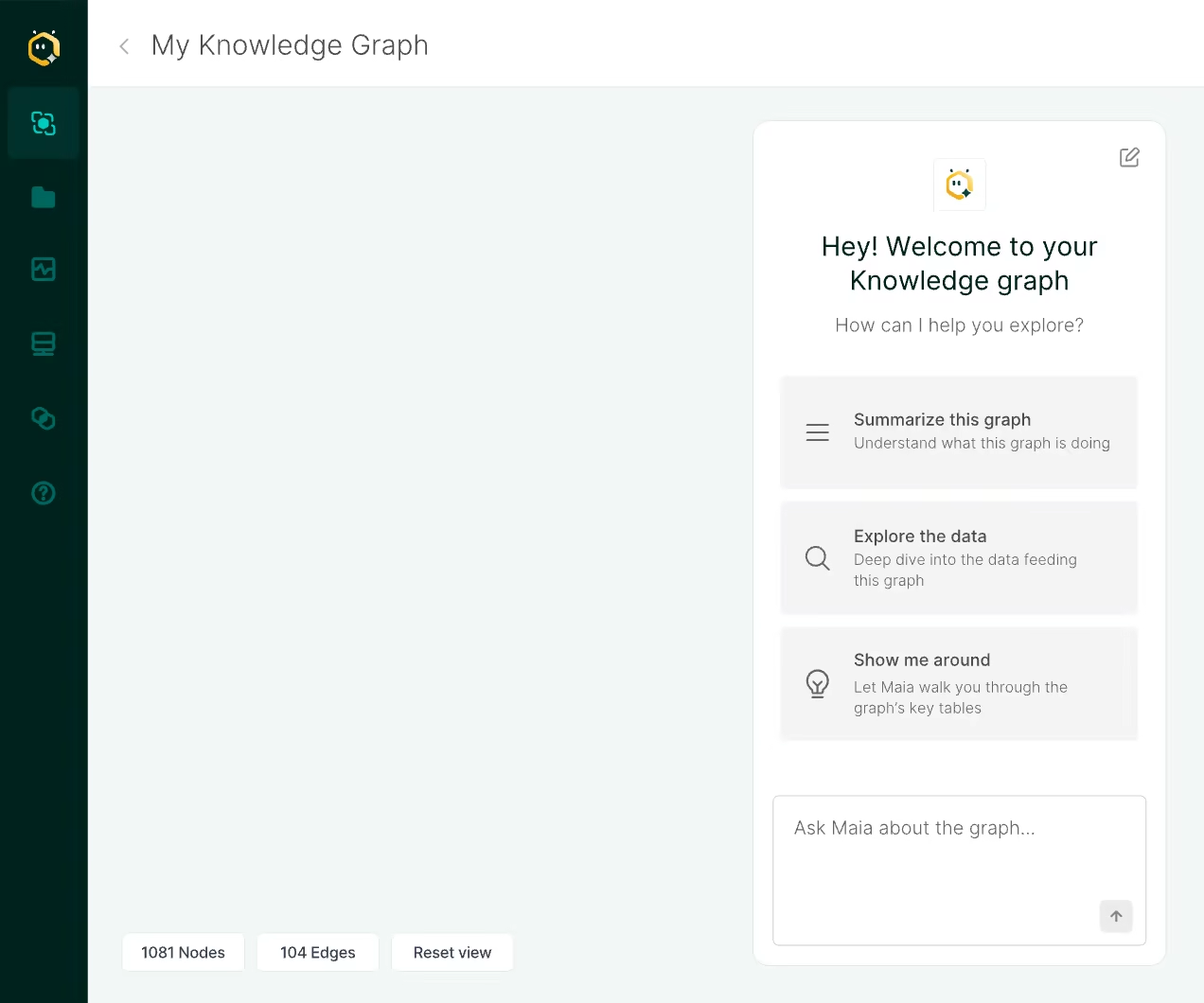
Knowledge graphs

A living map of your data's structure, relationships and business meaning. Crawlers keep it in sync, and your conversations with Maia keep refining it.
Context files

Your naming conventions, business rules and warehousing standards, written once. Maia reads them on every request, so you never repeat yourself.
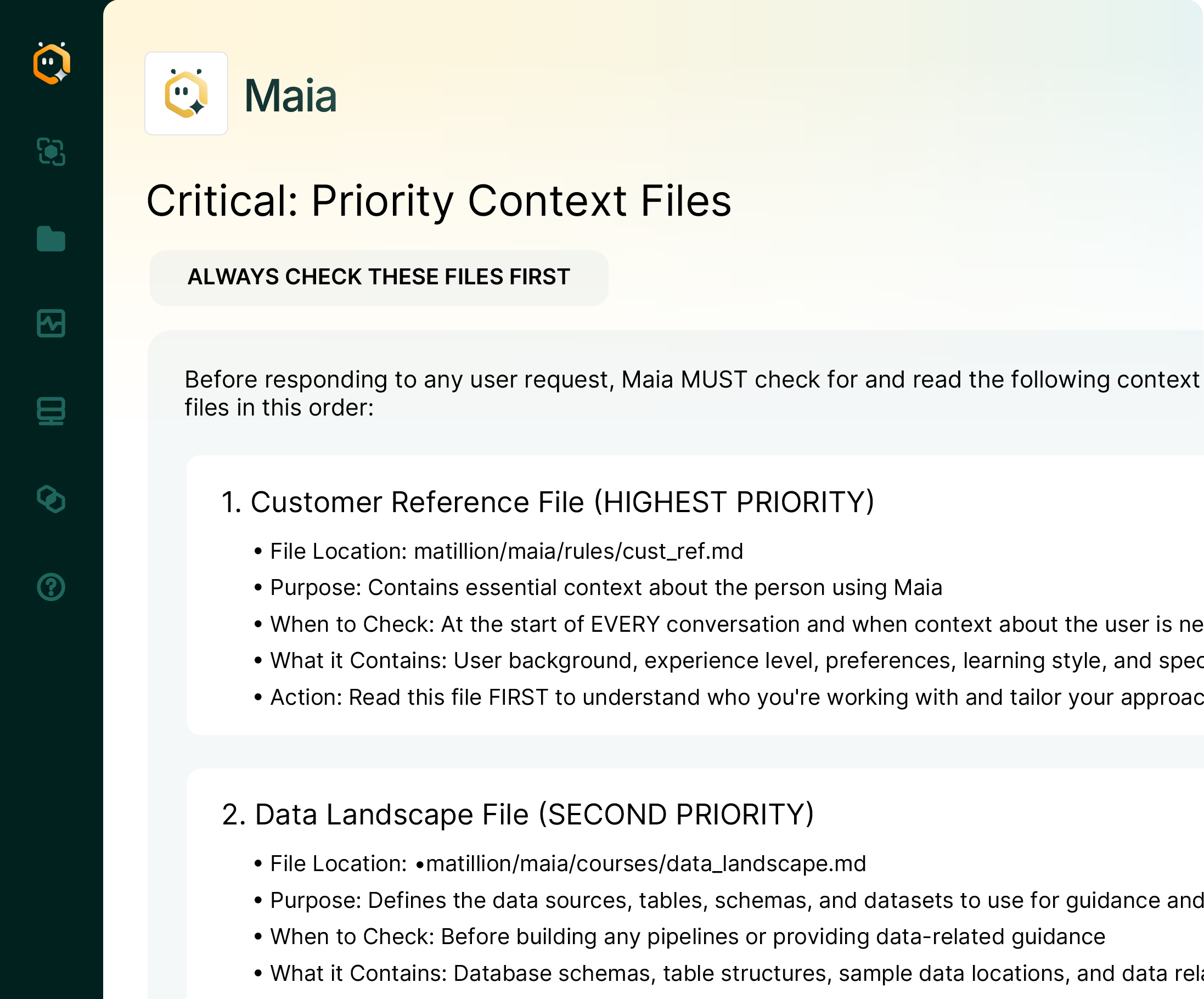
Maia context file titled "Critical: Priority Context Files", listing a customer reference file and a data landscape file for Maia to read before every request
Skills

Reusable playbooks for recurring tasks, with example pipelines and templates attached. Maia applies the right ones when they're relevant.
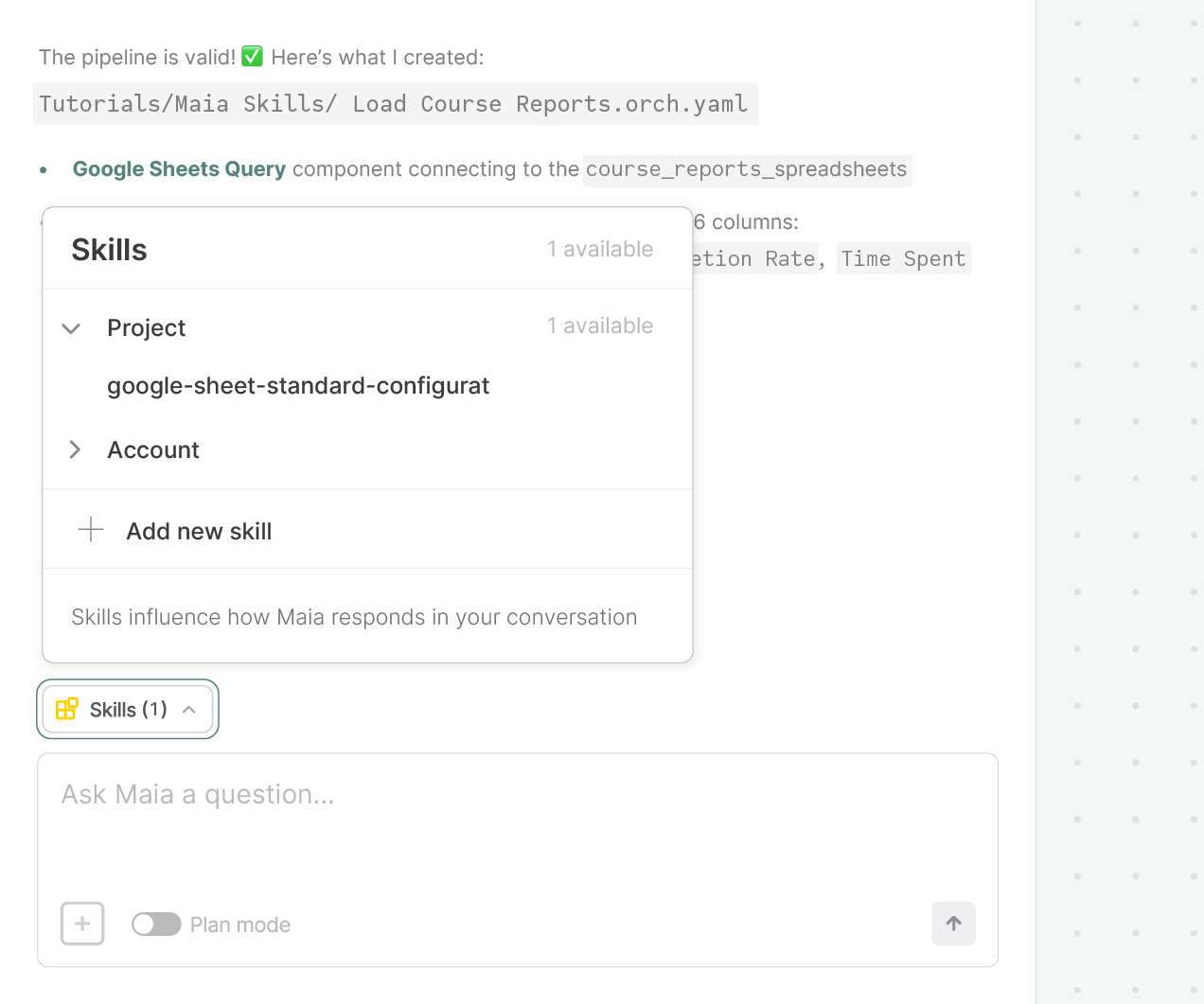
Maia chat with the Skills menu open, showing a project skill for Google Sheets configuration applied to a newly created pipeline
The Maia Platform

 One platform, from source to downstream

Maia doesn't just speed up data engineering — it does the data engineering. It’s an AI team that plans, builds, tests, runs, and fixes your data pipelines while you steer.


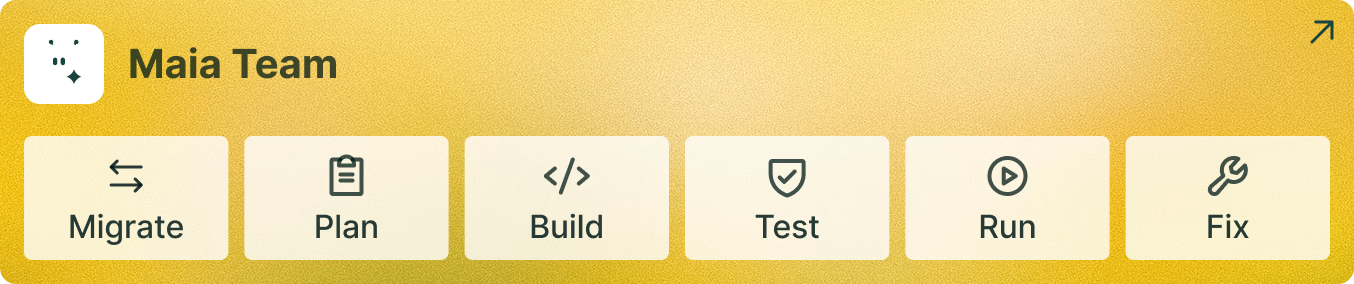
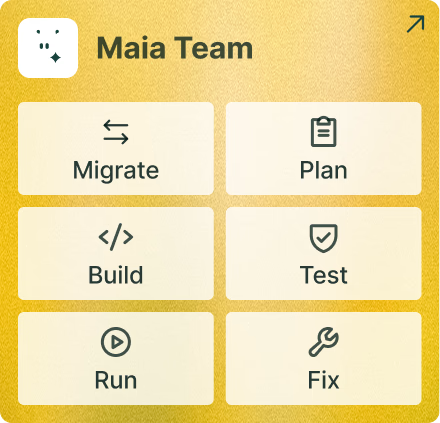
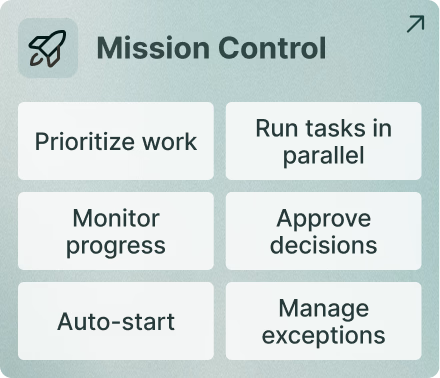
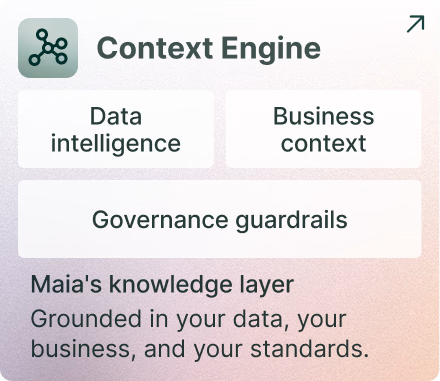
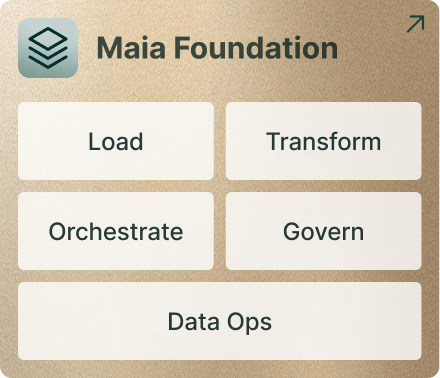
Maia Team: Migrate, Plan, Build, Test, Run and FixMaia Team: Migrate, Plan, Build, Test, Run and FixMission Control: prioritize work, run tasks in parallel, monitor progress, approve decisions, auto-start and manage exceptionsMission Control: prioritize work, run tasks in parallel, monitor progress, approve decisions, auto-start and manage exceptionsContext Engine, Maia's knowledge layer: data intelligence, business context and governance guardrails, grounded in your data, your business and your standardsContext Engine, Maia's knowledge layer: data intelligence, business context and governance guardrails, grounded in your data, your business and your standardsMaia Foundation: Load, Transform, Orchestrate, Govern and Data OpsMaia Foundation: Load, Transform, Orchestrate, Govern and Data Ops
Trusted data products
Reliable, governed and production-ready data products
Powers every downstream use
BI / Analytics
Dashboards, reports and KPIs
Data Science
Explore, experiment and model
AI Apps
GenAI, copilots and intelligent apps
Operational Integration
Sync data back to 
business systems

Our latest resources

View all resources

See Maia in action

Book a walkthrough to discuss your challenges and we’ll show you how Maia can help.
Join Matillion

We need driven, curious people who think big and move fast to join our team.